AI Image Enhancer
Drag to upload photos
Drag to upload photos
Max 200 photos


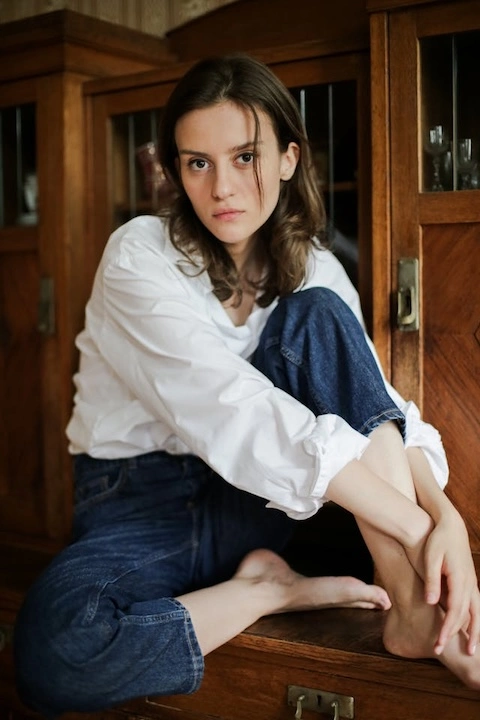
Improve image clarity
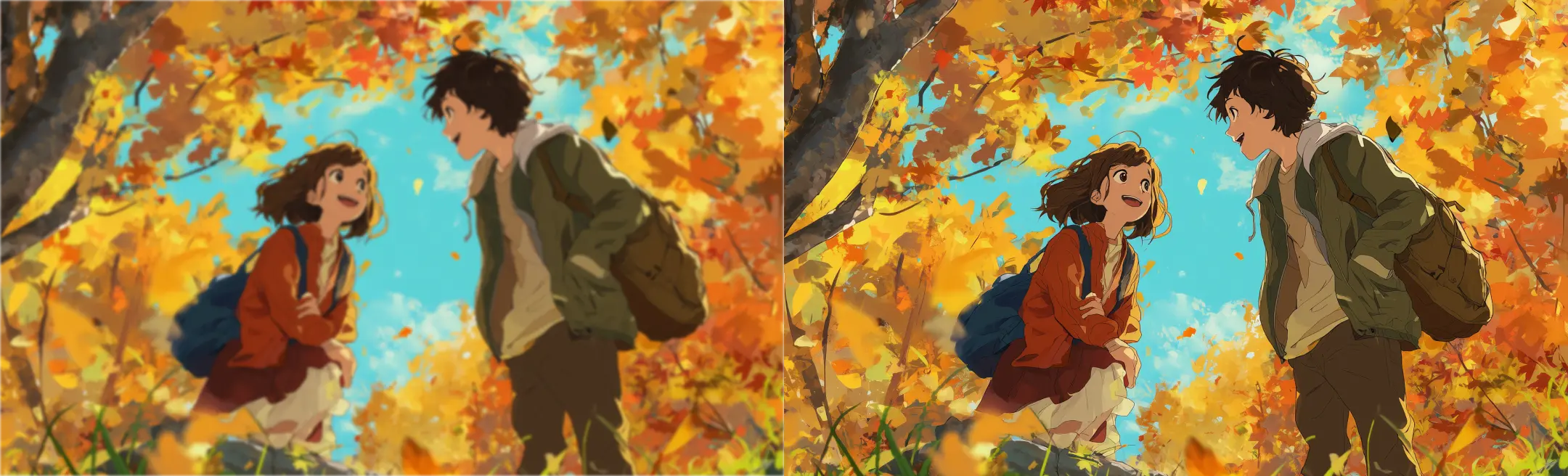
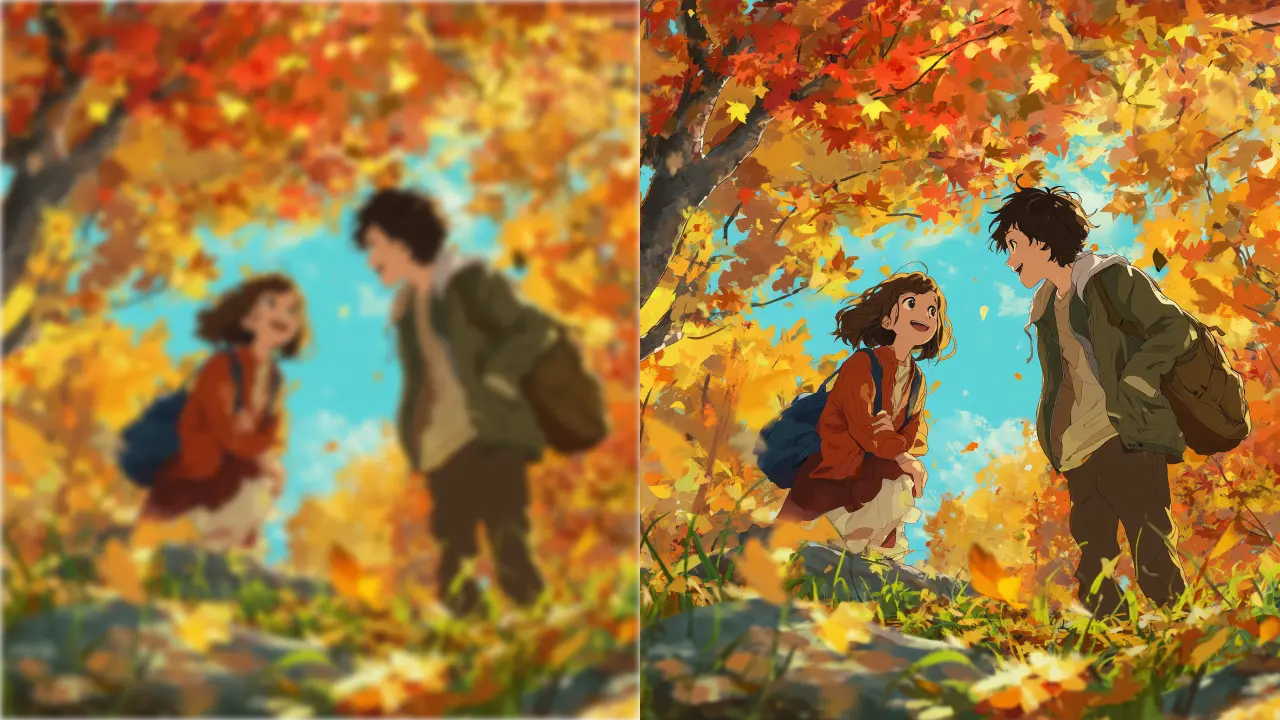
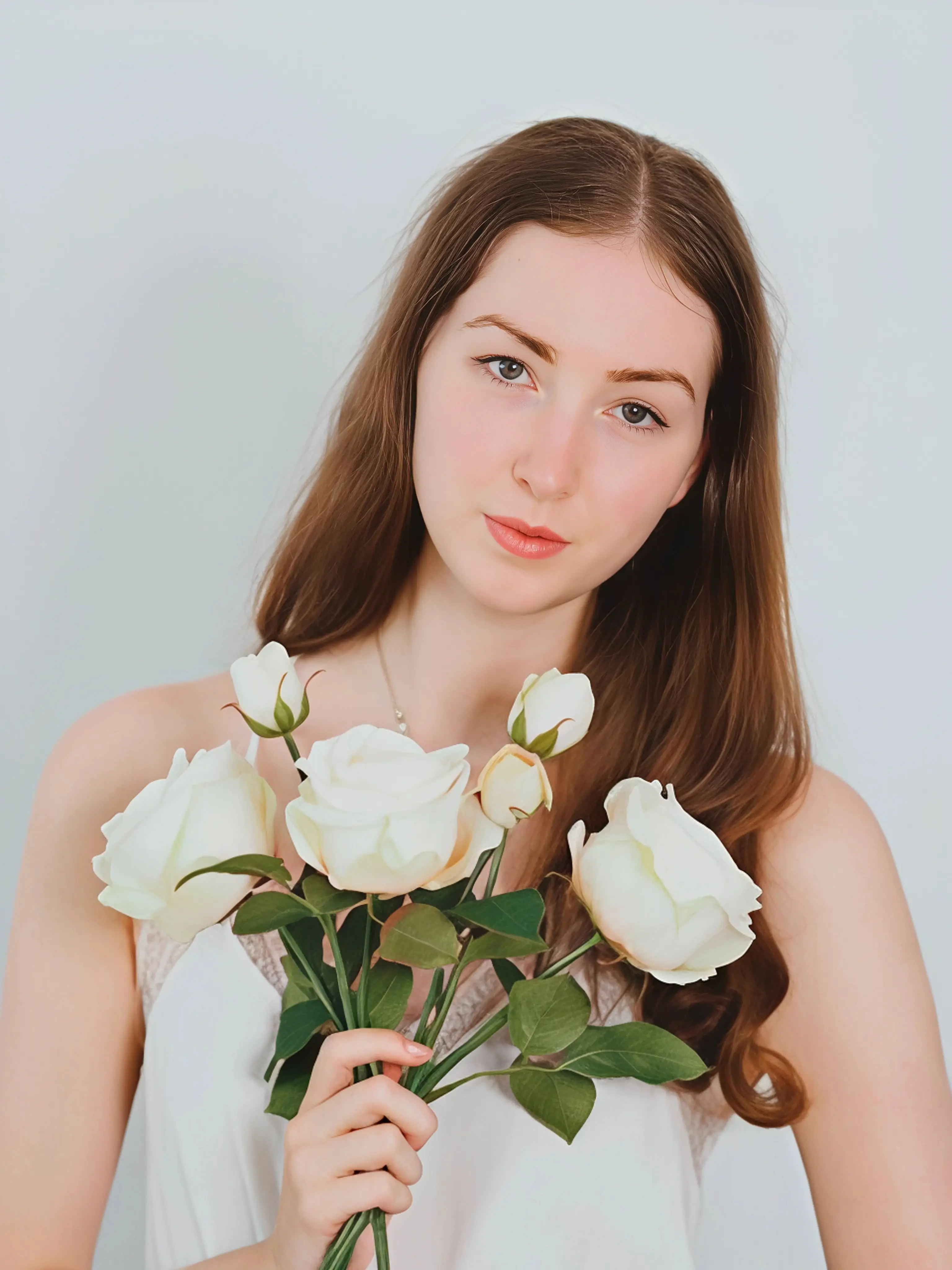
Turn blurry, low-quality pictures into clear, sharp images without manual editing.
Increase resolution with AI
One click to upscale images to 4K or 8K for print, sharing or display.
Enhance photos in bulk
Upload and process multiple images in one batch instead of one by one.
True to the original
Increase detail while keeping faces, text, colors and composition close to the original.
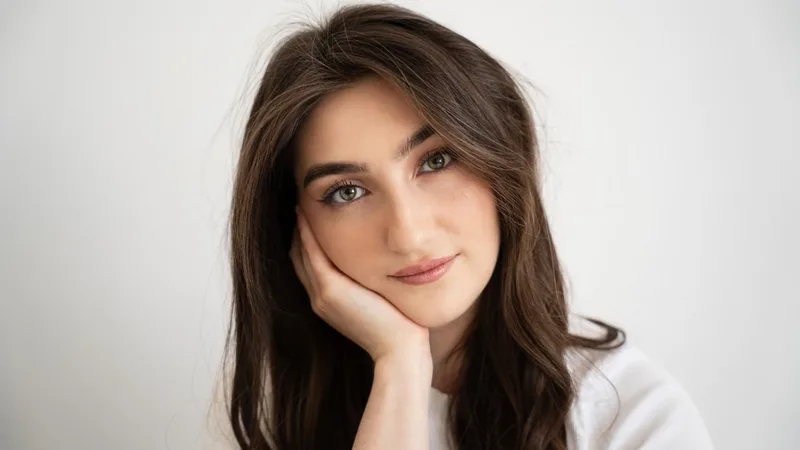

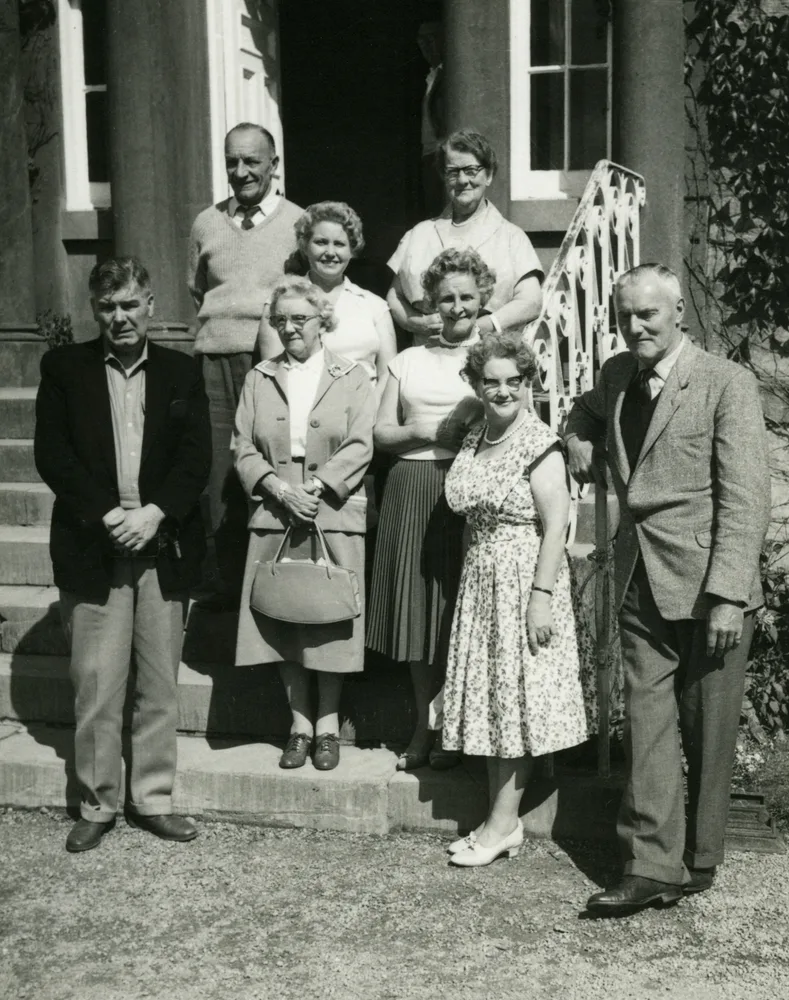
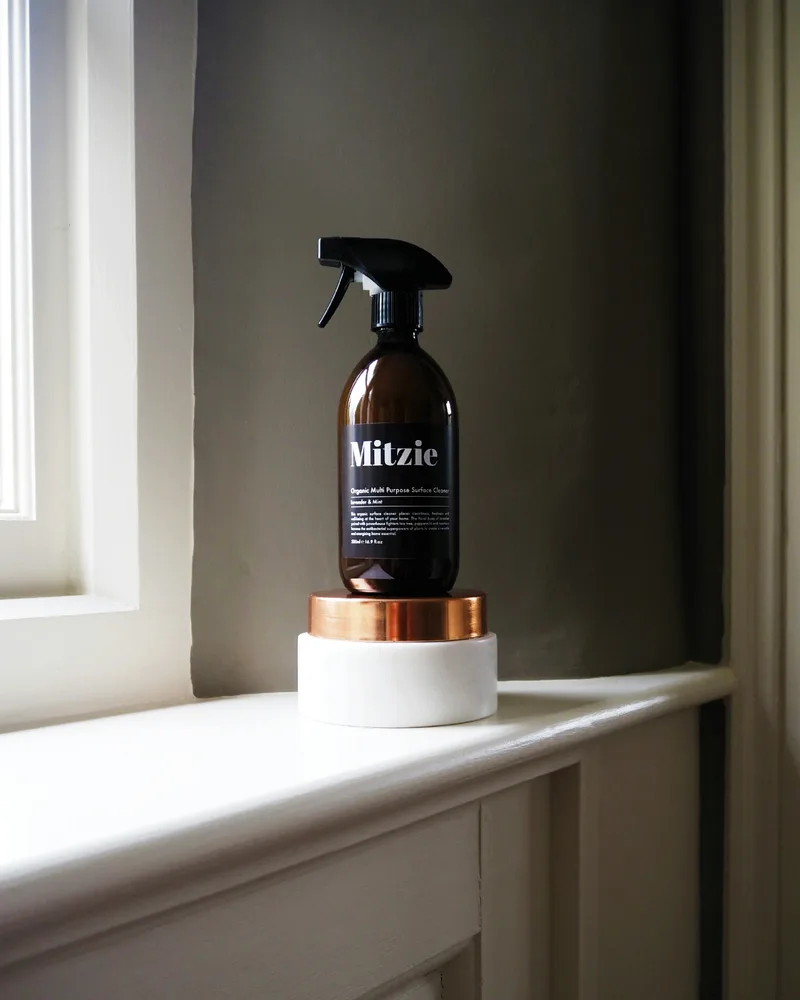
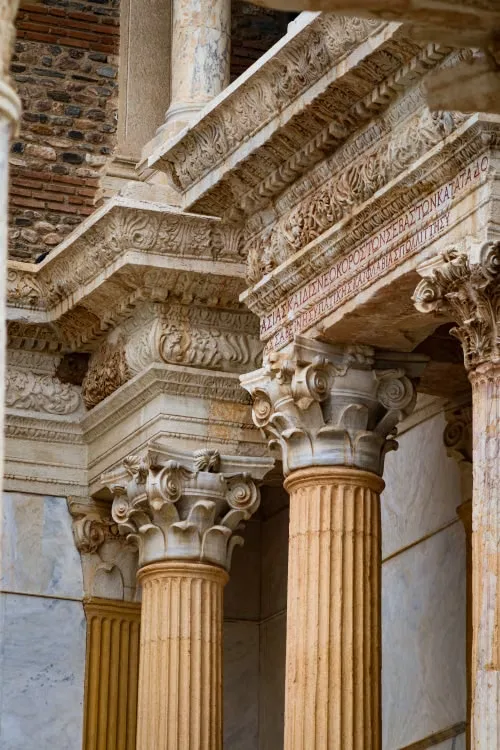
Better image quality made simple with Artguru
Whether for everyday use or professional work, Artguru's online photo enhancer improves image quality and resolution for all kinds of images. Instead of redrawing the original or inventing new details, it focuses on refining what's already there. With one simple upload, see your image enhanced in seconds. Try it free on any device, with no sign-up required.What can an AI photo enhancer fix
From blur and noise to pixelation and low resolution, one enhancement tool handles it all.
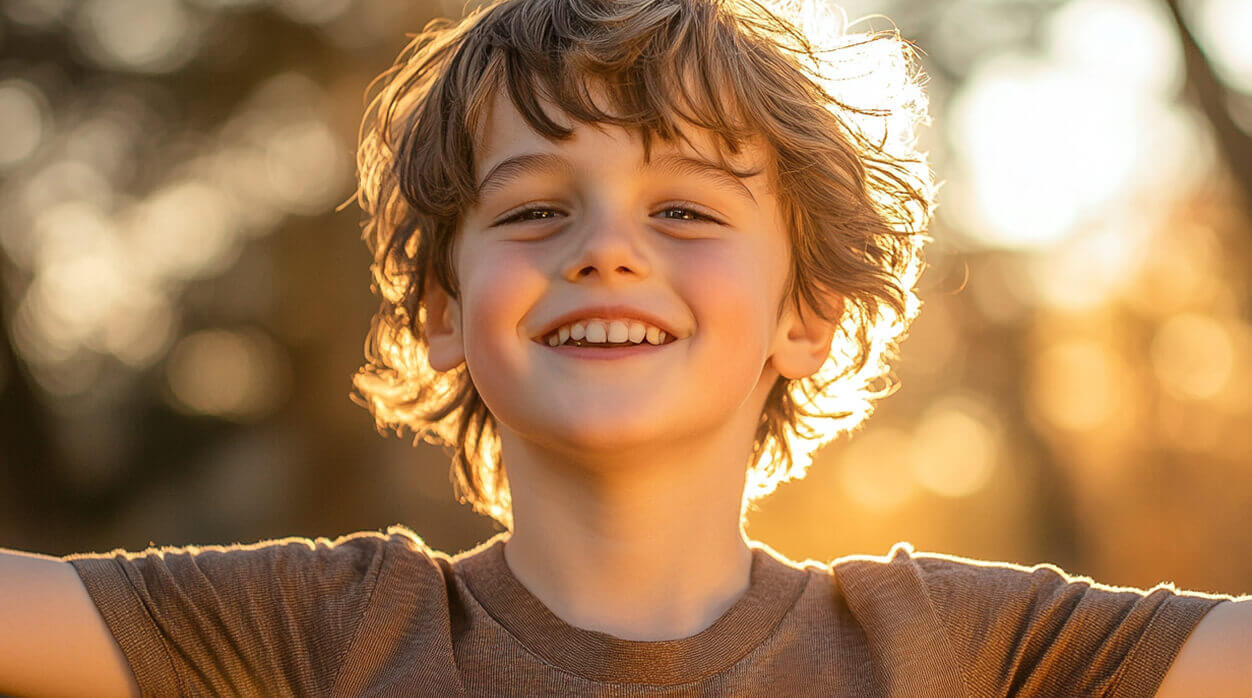
Unblur and sharpen images
Fix soft or slightly blurry images with natural-looking image sharpening. For heavier blur, try Artguru’s dedicated AI Unblur tool for stronger correction.
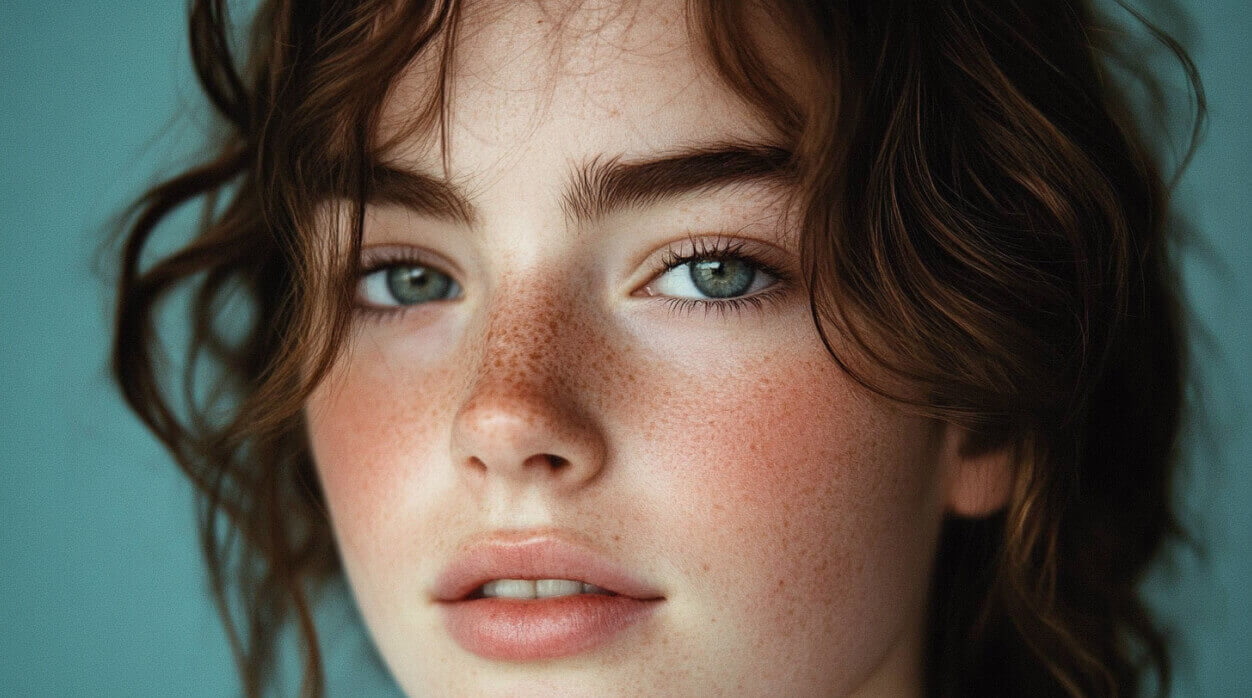
Remove noise from images
Reduce grain in low-light shots, older-phone photos and high-ISO images. Remove noise while keeping fine texture for a clean result that does not look overprocessed.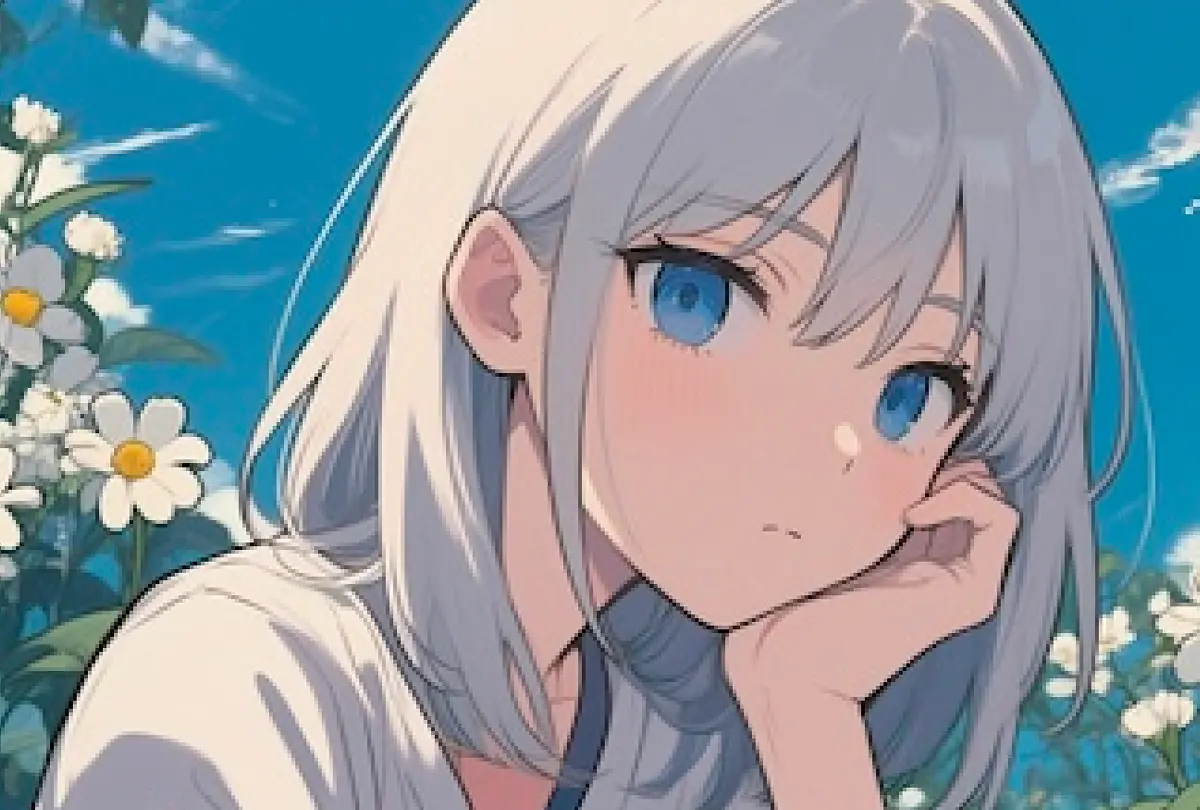
Fix pixelated images
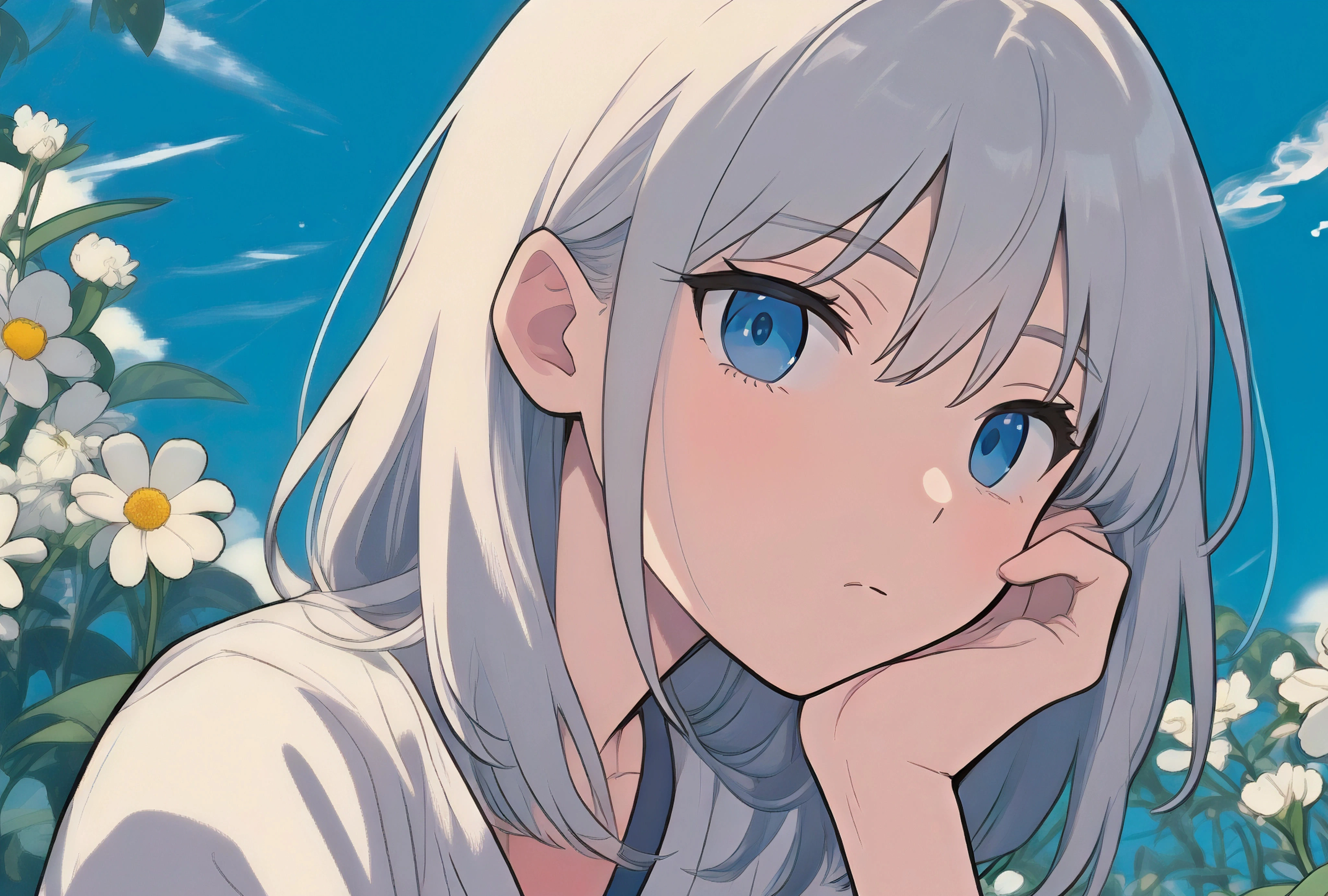
Make blocky, compressed pictures and low-res graphics crisp again: unpixelate images with the AI enhancer and rebuild smooth edges from the pixels already there.

Make blurry text clear
Deblur text in images such as scans, screenshots and product labels. Text stays accurate and becomes easier to read.Speed up your image enhancement workflow with Artguru
Get high-quality images ready with fewer tools and less repetitive work.
Improve image quality for work and everyday life
Enhance photos and images for print, e-commerce, design, content creation and personal use.Print shops & publishers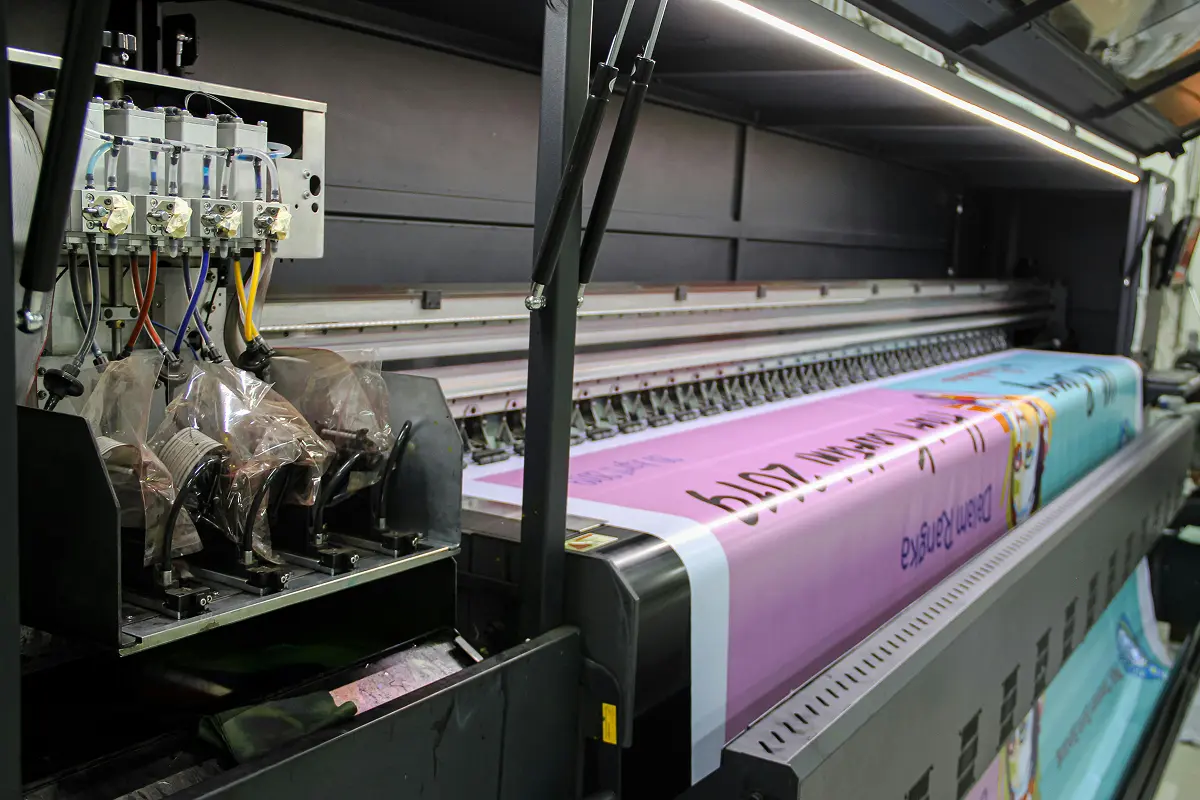
Turn client orders around faster
Batch-enhance low-res customer photos, documents, book pages and artwork for T-shirts, mugs or posters instead of fixing files one by one.Photographers & photo studios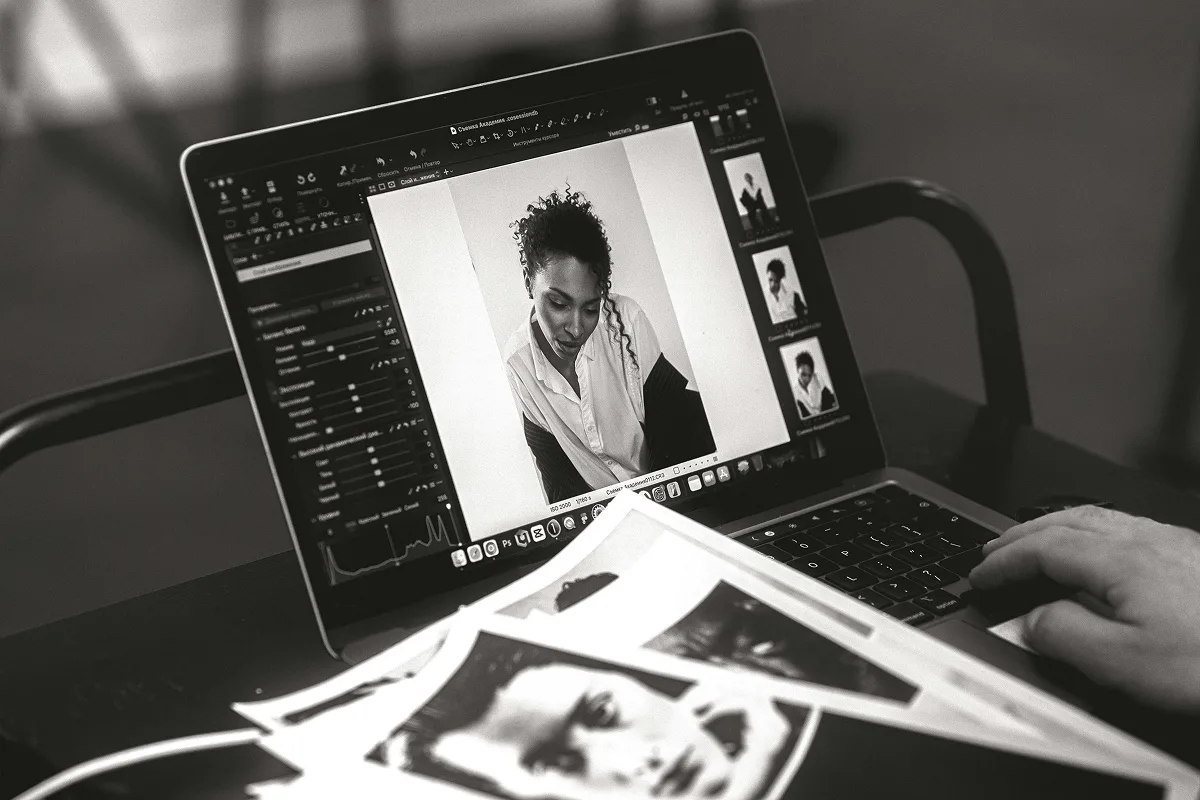
Finish whole shoots with less retouching
Bring portraits, group shots and event photos up to album and print quality in one pass while keeping faces natural.Online sellers & e-commerce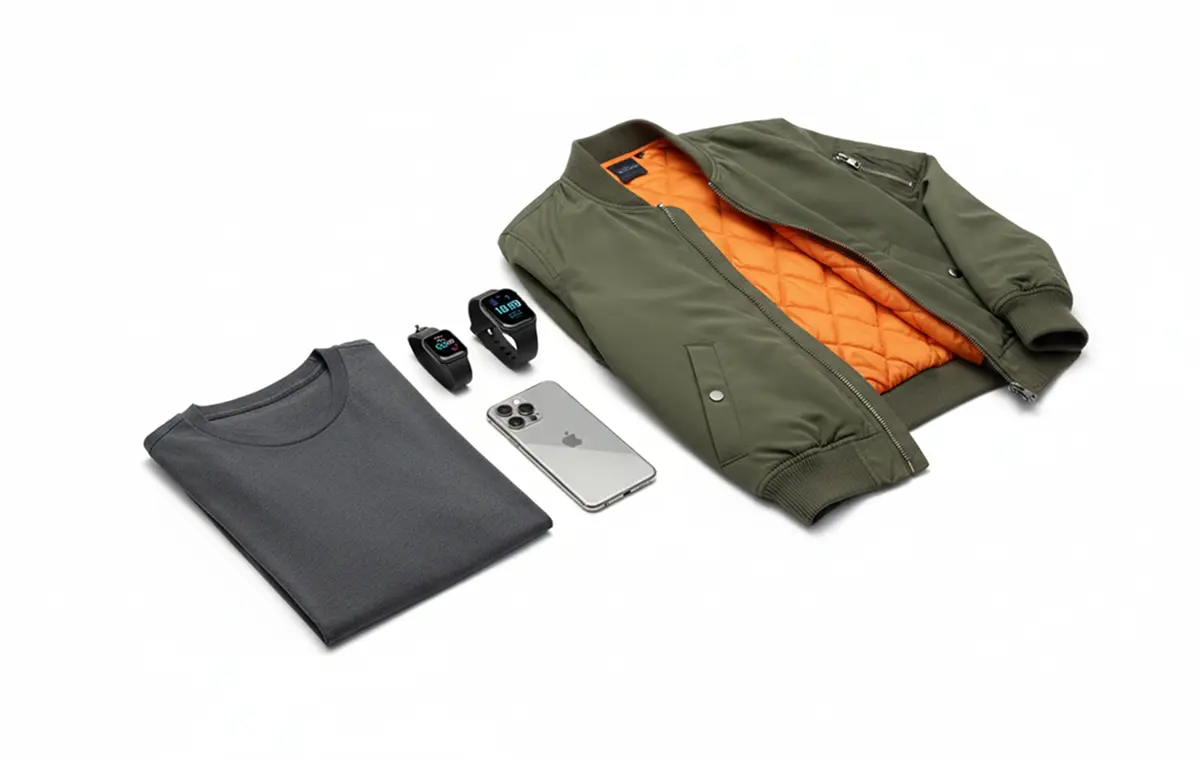
Create polished product listings
Enhance product and model shots, cut out backgrounds and process a full set together, so listings and social feeds stay sharp and polished.Designers & marketers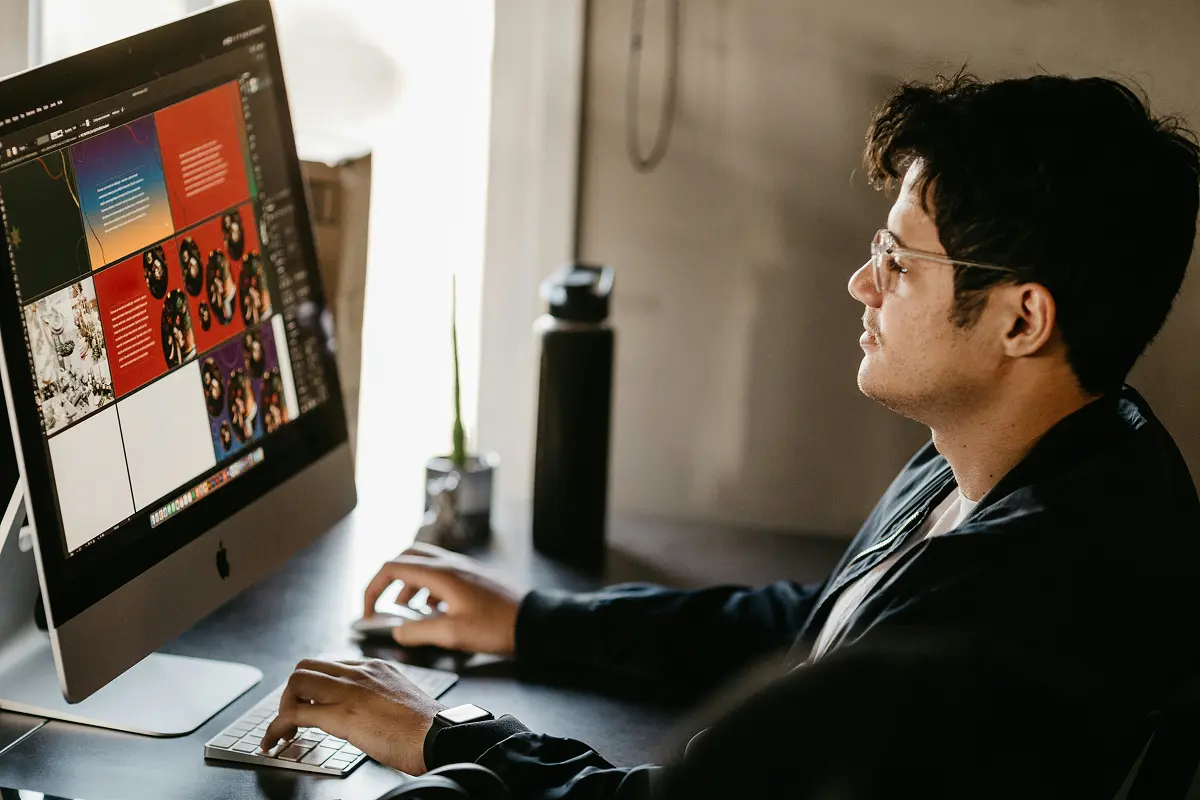
Keep design and brand assets sharp
Restore detail in logos, illustrations, exported artwork and AI-generated images, keeping assets high-quality as they move into designs, ads and decks.Social media creators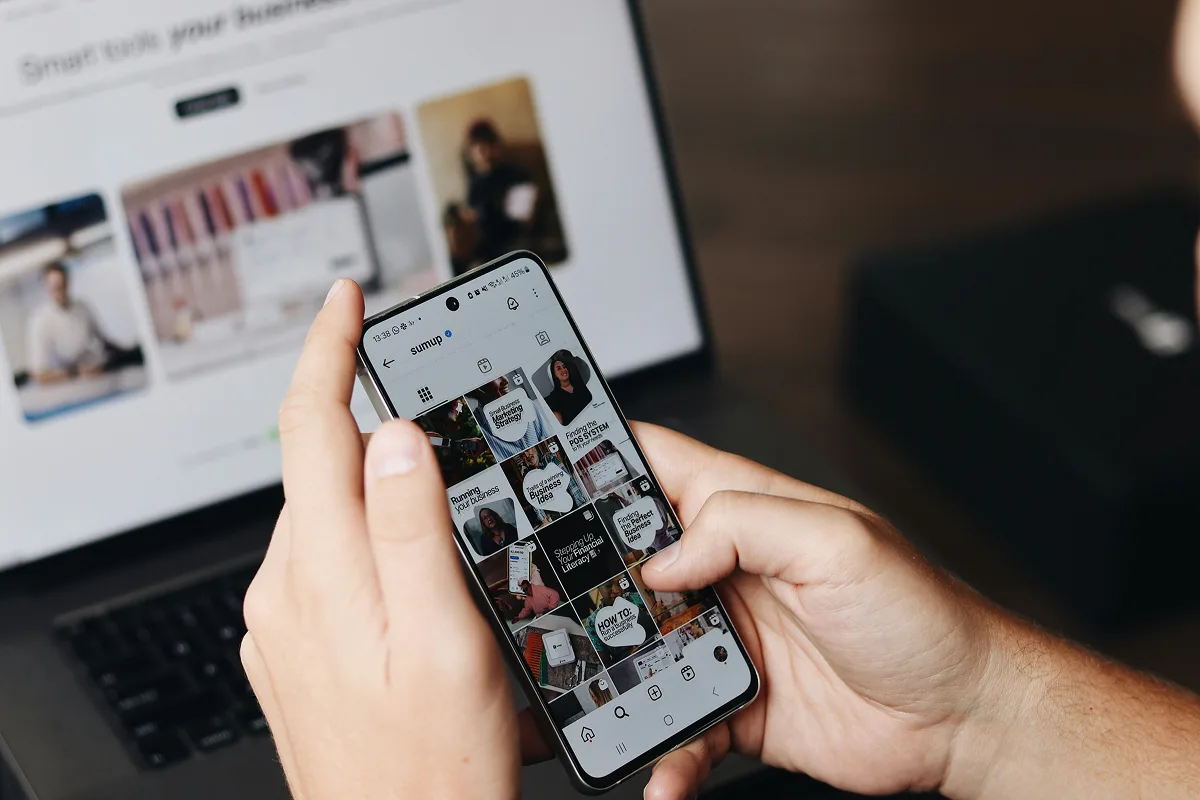
Repurpose old material into post-ready content
Refresh old screenshots, stock images and past posts into high-resolution visuals you can reuse and republish, getting more out of what you already have.Families & everyday users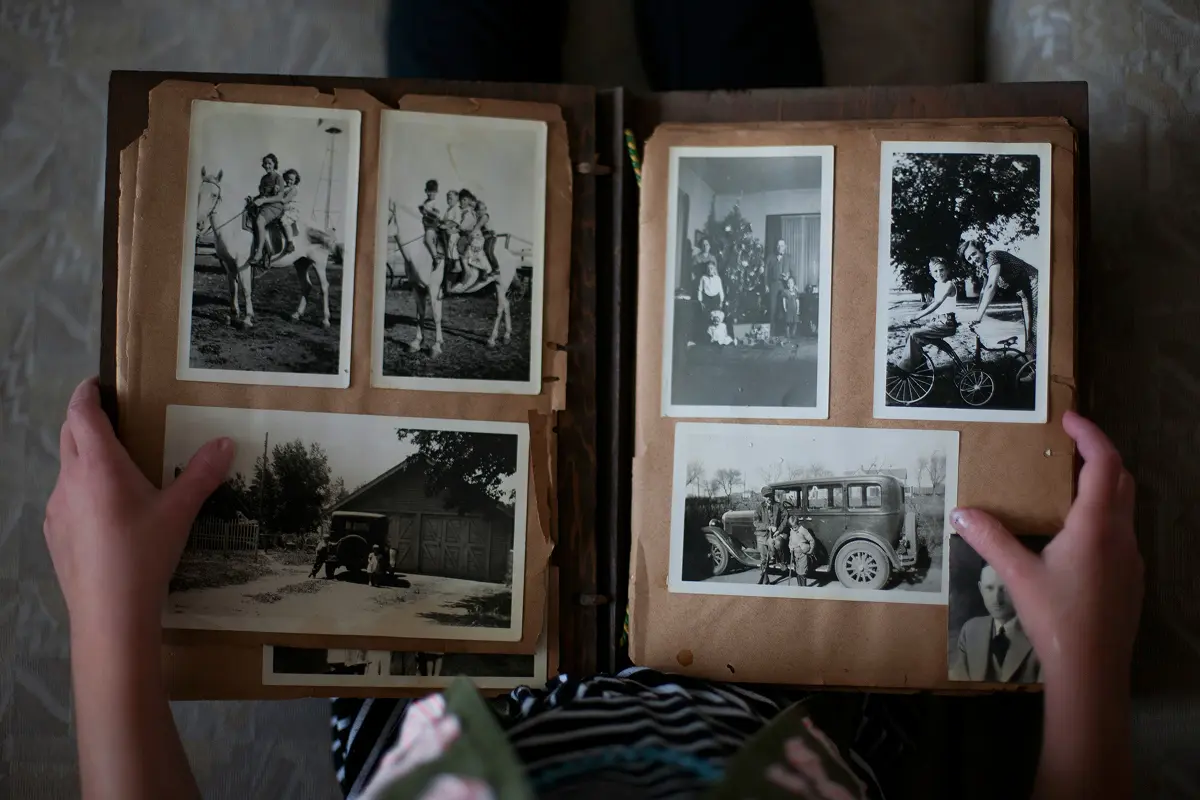
Make treasured photos clearer
Clean up old family photos, pictures from special occasions and everyday shots that came out blurry, so you can enjoy and share them.How to enhance image quality online
Step 1: Upload your image
Open Artguru’s Image Enhancer and upload the image you want to enhance.Step 2: Choose quality and resolution
Keep the default Standard quality and 4K resolution, or choose Detailed quality or 8K resolution based on your needs. You can leave the page during processing and return when your image is ready.Step 3: Preview and download
Zoom in to check fine details, then download your enhanced image in your preferred size and format, such as PNG or JPG.Artguru image enhancer vs. AI generators and pro software
Get better images in one click, without repeated prompts or complex software.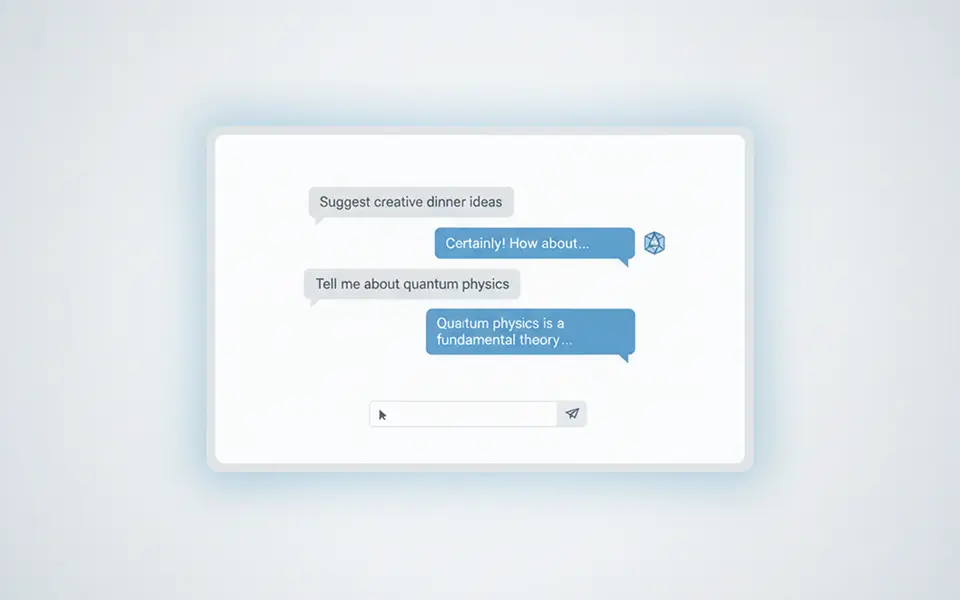
General-purpose AI tools like Gemini and ChatGPT
May reinterpret the image and change fine details
Often requires prompting, reviewing, and trying again
Usually part of a broader AI subscription
FOCUSED ON ENHANCEMENT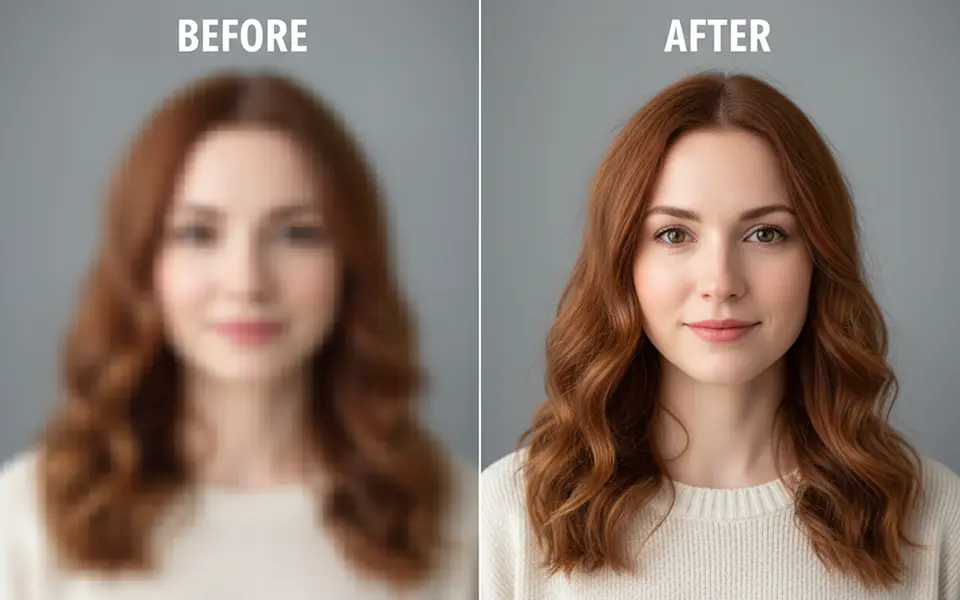
Artguru image enhancer
Purpose-built for one-click enhancement
Works online across devices
From $0.01 per image
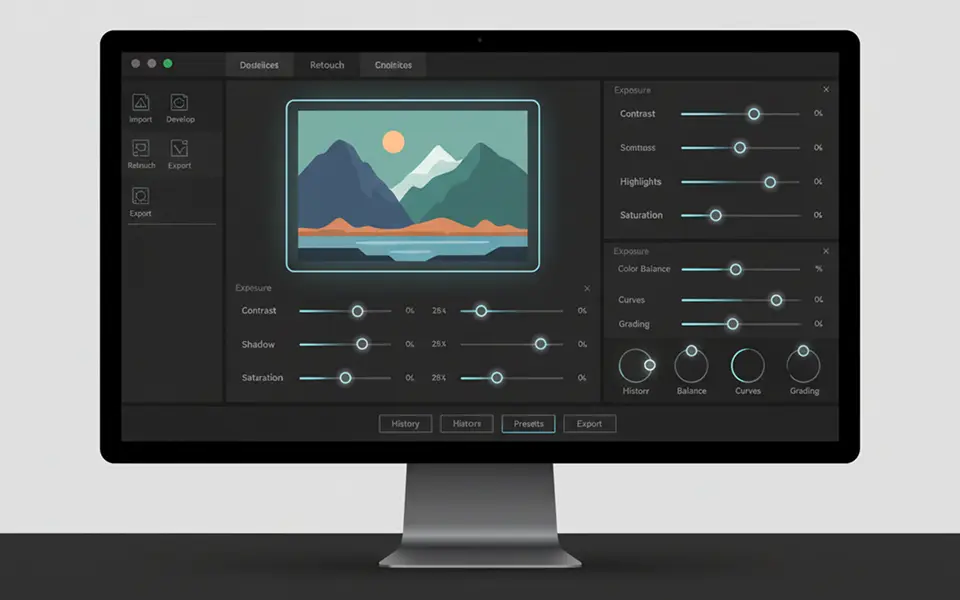
Desktop photo editing tools
More control, but more manual work
Require installation and a capable computer
Can cost hundreds of dollars per year
What users say about Artguru image enhancer
Digital publishingCompany co-founder
Printing servicesBusiness owner
Graphic designIndependent designer
Image Enhancer FAQs
Have more questions? Contact support@artguru.ai.